
PS2 Emulator for iPhone: What Works in 2026 and How to Set It Up
The best PS2 emulator for iPhone right now is ARMSX2. It is a mobile version of PCSX2, the leading PS2 emulator on PC. It is not on the App Store, so you install it by sideloading and turn on JIT for full speed. Play! is a second option that does not need a BIOS file.
Is There a PS2 Emulator on the App Store?
Sort of, but not a good one. Apple started allowing retro game emulators on the App Store in April 2024, as MacRumors reported. That opened the door for emulators of older systems.
The catch is JIT. App Store apps are not allowed to use it. Without JIT, a PS2 emulator runs far too slowly for most games. A few multi-system apps on the store list PS2 support, often behind a subscription. Expect weak performance from any of them.
That is why every serious PS2 emulator for iPhone sits outside the App Store.
Why PS2 Emulation on iPhone Needs JIT
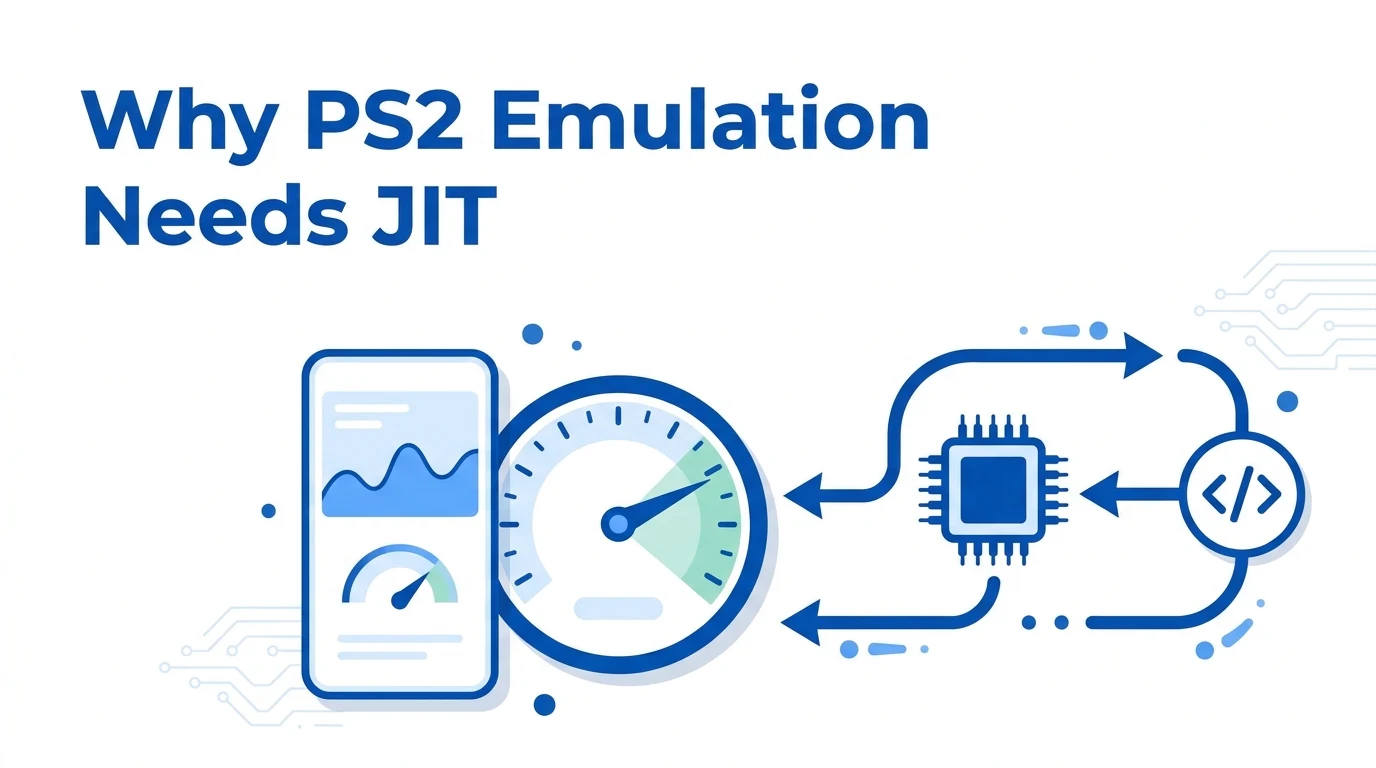
JIT stands for just-in-time compilation. It lets an emulator translate PS2 code into iPhone code once, then run it at full speed. Without it, the emulator has to interpret each instruction one by one.
The PS2 is hard to emulate. It has several processors that work in parallel, including the Emotion Engine. Interpreting all of that is too slow on any phone. With JIT, a modern iPhone can run many PS2 games at full speed.
Apple blocks JIT for normal apps. Sideloaded apps can get it through a helper tool called StikDebug, which works with iOS 17.4 and newer.
Best PS2 Emulators for iPhone
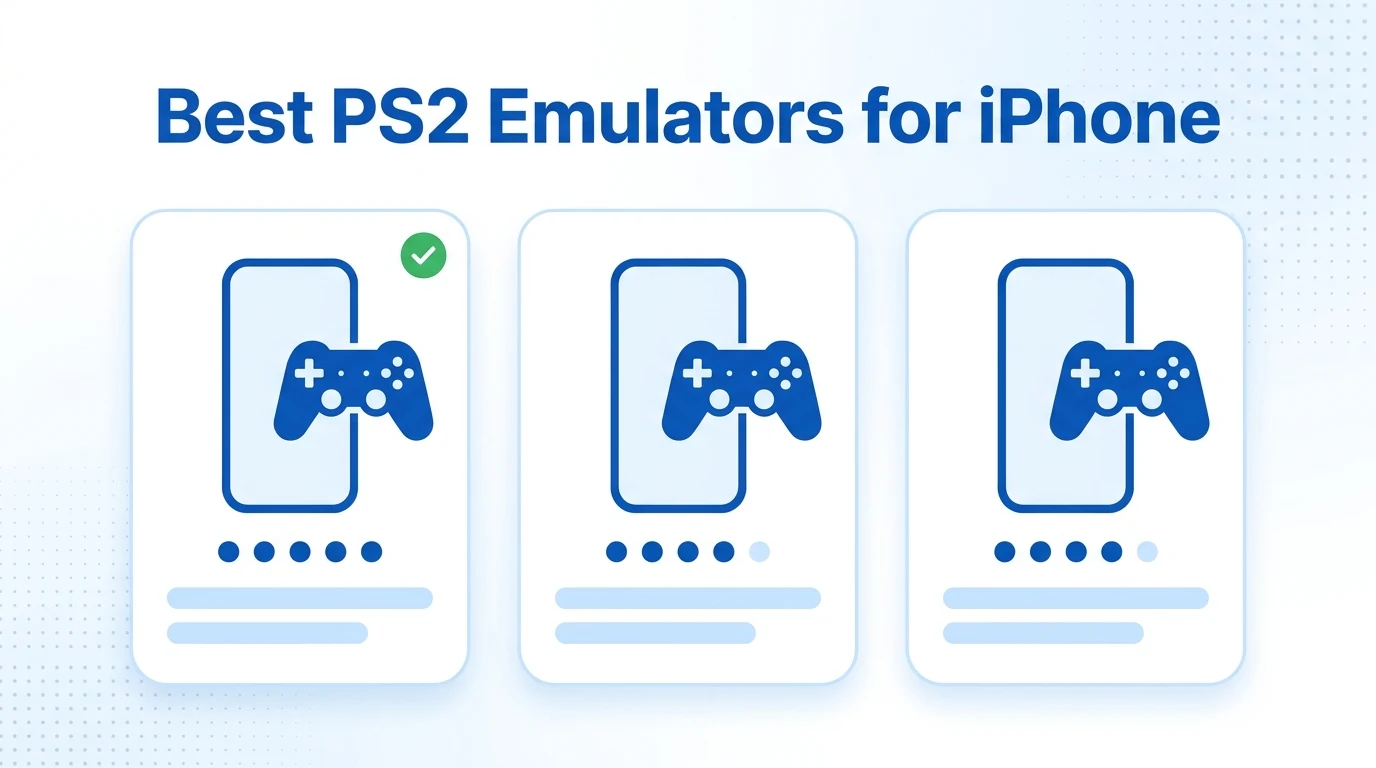
| Emulator | Based on | Install method | Needs JIT | Needs a PS2 BIOS | Status |
|---|---|---|---|---|---|
| ARMSX2 | PCSX2 | Sideload (LiveContainer and SideStore) | Yes | Yes | Active, regular updates |
| Play! | Own code | Sideload | Yes | No | Active, slower updates |
| Provenance | Uses Play! for PS2 | Sideload | Yes, for PS2 | No | Frontend, not a separate PS2 core |
| App Store multi-emulators | Varies | App Store | Cannot use JIT | Varies | Limited PS2 performance |
ARMSX2 (Best Overall)
ARMSX2 started as an Android fork of PCSX2. Its iOS app arrived in 2026, and version 2.4.1 shipped in July 2026, according to the ARMSX2 release notes. It adds MetalFX upscaling, save states, per-game settings and RetroAchievements support.
Because it shares PCSX2’s code, its game compatibility is the strongest on iPhone. It needs your own PS2 BIOS file.
Play! (No BIOS Needed)
Play! is an open-source PS2 emulator that runs on Windows, macOS, Android, iOS and in a web browser. Its key difference is a built-in BIOS replacement, so you do not need a BIOS file. The trade-off is lower compatibility. The Play! project reported more than 930 playable games in its own testing.
Apps to Avoid or Treat With Care
- iPSX2: an early 2026 iOS port based on ARMSX2. Retro Dodo noted it is closed source and AI-assisted. Use the official ARMSX2 app instead.
- AetherSX2 and NetherSX2: these are Android apps. No official iPhone version exists. Sites offering an “AetherSX2 IPA” are fakes.
- Fake download sites: never install an IPA from a random site. Get ARMSX2 from armsx2.net or its official GitHub.
Which iPhones Can Run PS2 Games?
The ARMSX2 system requirements list iOS 18 or later on a 64-bit Apple device, with JIT. The baseline is an iPhone XR or iPhone SE (2020).
| iPhone group | What to expect |
|---|---|
| iPhone XR, iPhone SE (2020), iPhone 11 | Lighter games run. Use native resolution and lower settings. |
| iPhone 12 to iPhone 14 | Many games run well with modest upscaling. |
| iPhone 15 Pro and newer | Best results and higher resolutions. Watch heat in long sessions. |
The ARMSX2 docs warn that iPhone 15 Pro models can run hot. Stop playing if the phone gets very warm, or use a clip-on cooler for demanding games. iPads with M-series chips also work well.
How to Set Up ARMSX2 on iPhone
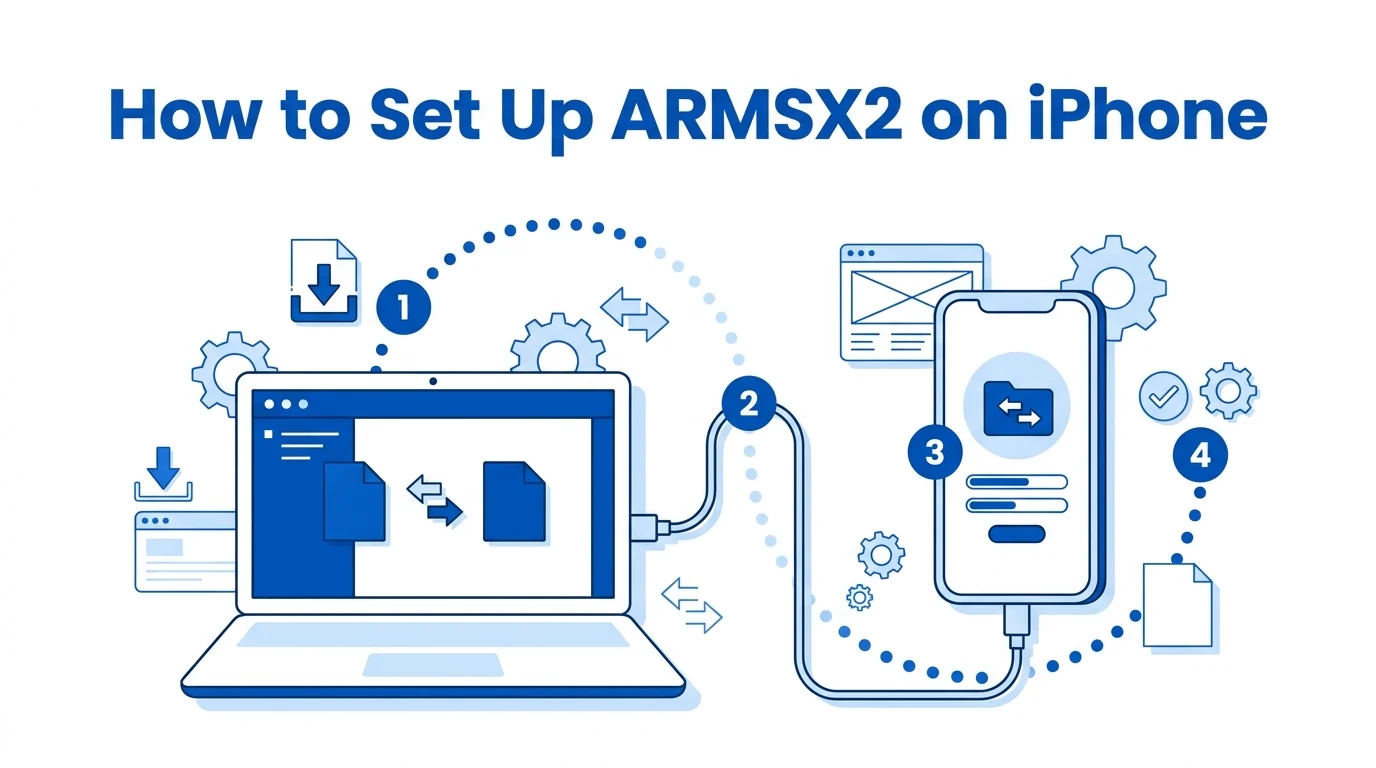
Setup takes about 30 minutes the first time. These steps follow the official ARMSX2 iOS installation guide. Read it alongside this overview, because tool versions change.
What You Need
- An iPhone on iOS 18 or later
- A Windows PC or Mac with iLoader
- A free Apple account
- LiveContainer, SideStore (Nightly), StikDebug and LocalDevVPN
- The ARMSX2 .ipa file and the universal.js script
- Your own PS2 BIOS and game files
Install Steps
- Turn on Developer Mode in Settings, then Privacy and Security.
- Remove AltStore or any other sideloader to avoid certificate conflicts.
- Install LocalDevVPN and turn it on.
- Connect your iPhone to the computer. Use iLoader to install LiveContainer and SideStore, and place the pairing file.
- Open SideStore inside LiveContainer, sign in with your Apple account, and install StikDebug.
- In LiveContainer, set the JIT enabler to StikDebug and add the ARMSX2 .ipa.
- Turn on Launch JIT for ARMSX2 and select the universal.js script.
- Open ARMSX2 through LiveContainer. When StikDebug asks, choose Enable and Run Script.
A warning about iOS updates: after iOS 26.4 arrived in March 2026, some users reported that StikDebug stopped enabling JIT, as PiunikaWeb reported. Before you update iOS, check the ARMSX2 Discord or StikDebug site for current status.
Add Your BIOS and Games
ARMSX2 asks for a BIOS on first launch. Import your BIOS file from the Files app. Our PS2 BIOS guide explains the file types, regions and how to dump a BIOS from your own console. Then import your games as ISO or CHD files. CHD files are smaller and save storage space.
Best Settings and Controllers
Start with default settings and native resolution. Raise the resolution only once a game runs at full speed. Use per-game settings to tune hard games without affecting the rest of your library.
A physical controller makes a big difference. iOS supports the DualSense, DualShock 4 and Xbox Wireless Controller over Bluetooth. Pair one in Settings, then Bluetooth, then map its buttons in ARMSX2’s controller settings. Our guide on how to connect a PS5 controller shows the iPhone pairing steps. Clip-on controllers that turn the iPhone into a handheld also work.
No JIT? Stream PS2 Games to Your iPhone Instead
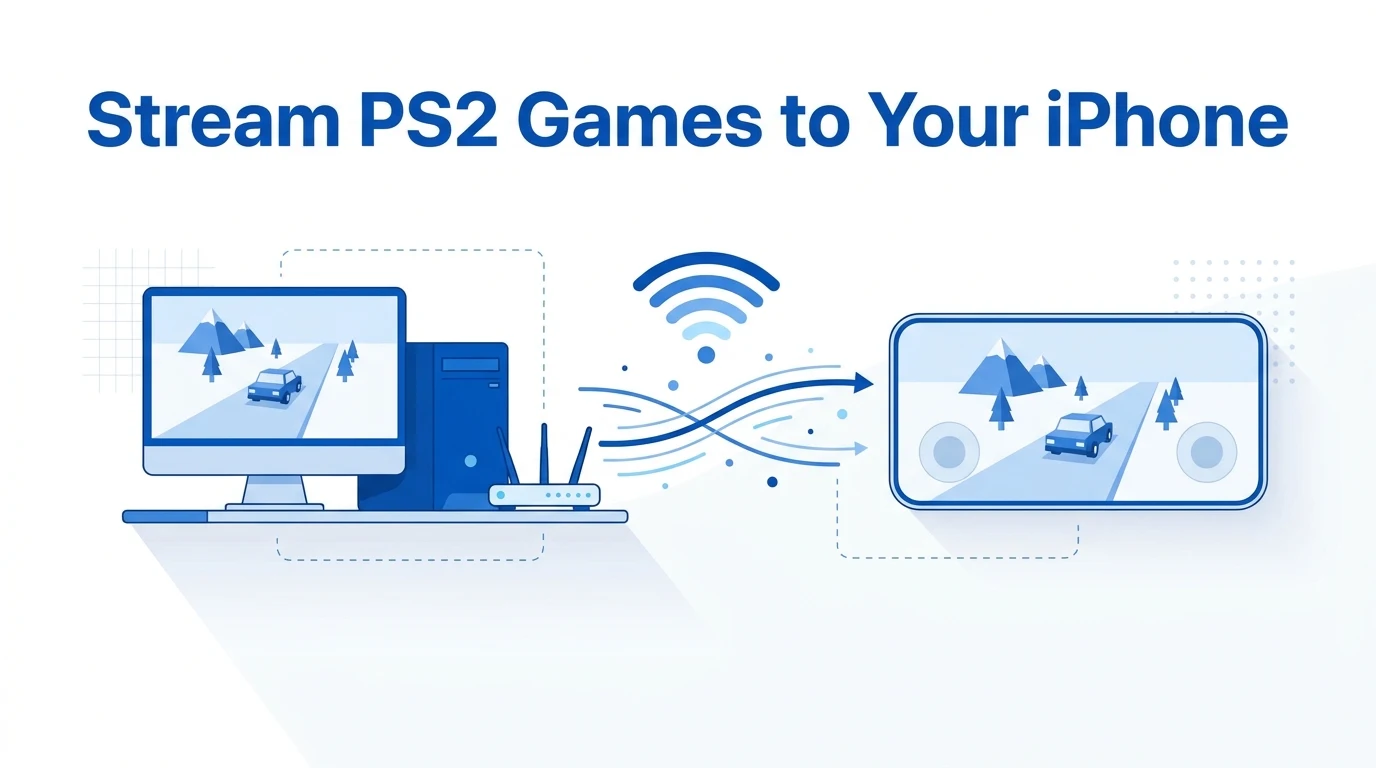
If sideloading feels like too much, run PCSX2 on a PC or Mac and stream it to your phone. Android Authority recommends this route for most iPhone owners.
- Set up PCSX2 on your computer. Our PS2 BIOS for PCSX2 guide covers each step.
- Install Moonlight or Steam Link from the App Store.
- Pair the app with your computer on the same Wi-Fi network.
- Launch PCSX2 and play on your iPhone.
Streaming works on any recent iPhone and needs no JIT. You do need your computer switched on and a stable home network.
Prefer a console? See whether you can play PS2 games on PS3 or play PS2 games on PS4.
Is Using a PS2 Emulator on iPhone Legal?
Emulators themselves are legal software. Apple now allows them on the App Store. The legal risk comes from the files. Sony owns the PS2 BIOS, and games are copyrighted. The safe route is to dump the BIOS and games from a console and discs you own. Laws vary by country, and this is not legal advice.
FAQs
Is there a PS2 emulator for iPhone without jailbreak?
Yes. ARMSX2 and Play! both install without a jailbreak. You sideload them with free tools such as SideStore and LiveContainer, then enable JIT with StikDebug. A free Apple account is enough to sign the apps.
Can I get a PS2 emulator from the App Store?
A few App Store apps list PS2 support, but Apple does not let them use JIT. Without JIT, most PS2 games run too slowly to play. For real performance, use a sideloaded emulator such as ARMSX2.
Does a PS2 emulator for iPhone need a BIOS?
It depends on the emulator. ARMSX2 needs a PS2 BIOS file, just like PCSX2 on PC. Play! uses its own built-in BIOS replacement, so you can start games without one, though compatibility is lower.
Can I install AetherSX2 or NetherSX2 on iPhone?
No. AetherSX2 and NetherSX2 are Android apps, and neither has an iPhone version. Any site offering an iOS download of them is fake. ARMSX2 is the closest equivalent on iPhone.
Which iPhone is best for PS2 emulation?
An iPhone 15 Pro or newer gives the best results, thanks to its faster chip. ARMSX2 lists the iPhone XR and iPhone SE (2020) as the minimum. Older models handle lighter games at lower settings.
Can I use a controller with a PS2 emulator on iPhone?
Yes. Pair a DualSense, DualShock 4 or Xbox Wireless Controller in Bluetooth settings. Then map its buttons in the emulator. Clip-on controllers that hold the iPhone also work and make long sessions more comfortable.