
Can You Play PS2 Games on PS3? Which Models Work
Can you play PS2 games on PS3? Yes, but only on the earliest “fat” models. Look for a model number that starts with CECHA, CECHB, CECHC or CECHE. Every other PS3, including all Slim and Super Slim consoles, cannot read PS2 discs. Those models can still run PS2 Classics bought from the PlayStation Store.
Which PS3 Models Play PS2 Games?
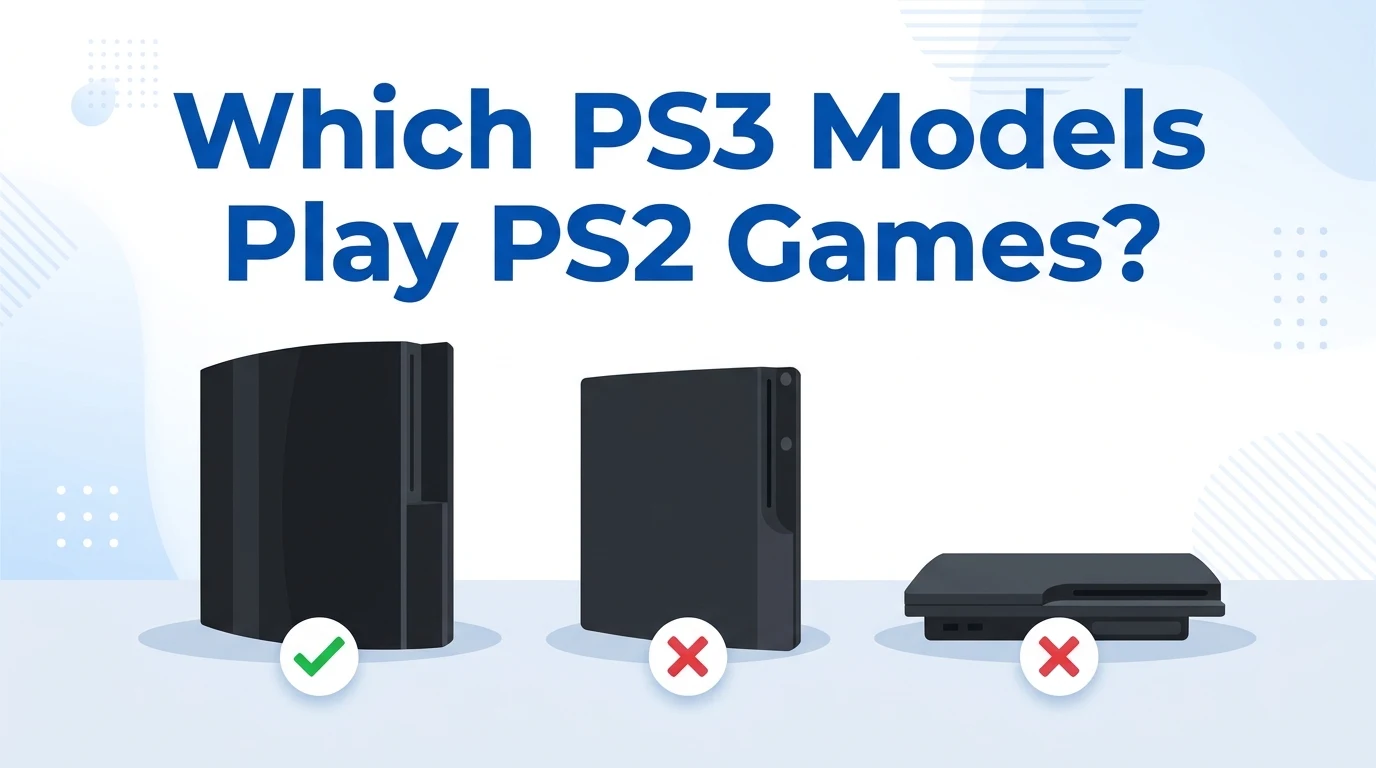
The answer to “can you play PS2 games on PS3” depends on the model. Sony built PS2 parts into the first PS3s, then removed them to cut costs. The PS3 model history shows three groups.
| Model number | Storage | Main region | PS2 disc support |
|---|---|---|---|
| CECHA | 60 GB | North America, Japan | Yes, full hardware |
| CECHB | 20 GB | North America, Japan | Yes, full hardware |
| CECHC | 60 GB | Europe, Australia | Yes, hybrid (partial) |
| CECHE | 80 GB | North America, South Korea | Yes, hybrid (partial) |
| CECHG and later fat models | 40 GB, 80 GB, 160 GB | All | No |
| PS3 Slim (CECH-2000 and 3000 series) | 120 GB to 320 GB | All | No |
| PS3 Super Slim (CECH-4000 series) | 12 GB to 500 GB | All | No |
Full Hardware Models (CECHA and CECHB)
These launch consoles carry the PS2’s own Emotion Engine processor and Graphics Synthesizer chip. They run PS2 discs on real PS2 hardware, so they handle the widest range of games.
Hybrid Models (CECHC and CECHE)
Sony removed the Emotion Engine from these models but kept the Graphics Synthesizer. The PS3’s Cell processor emulates the missing chip in software, according to the PS3 technical specifications. Most games run well. Some titles show glitches or refuse to start.
Models With No PS2 Disc Support
Starting with the 40 GB CECHG, Sony removed the PS2 chips completely. No firmware update can bring them back, because the missing part is hardware. That covers every later fat model, every Slim and every Super Slim.
How to Check if Your PS3 Is Backward Compatible
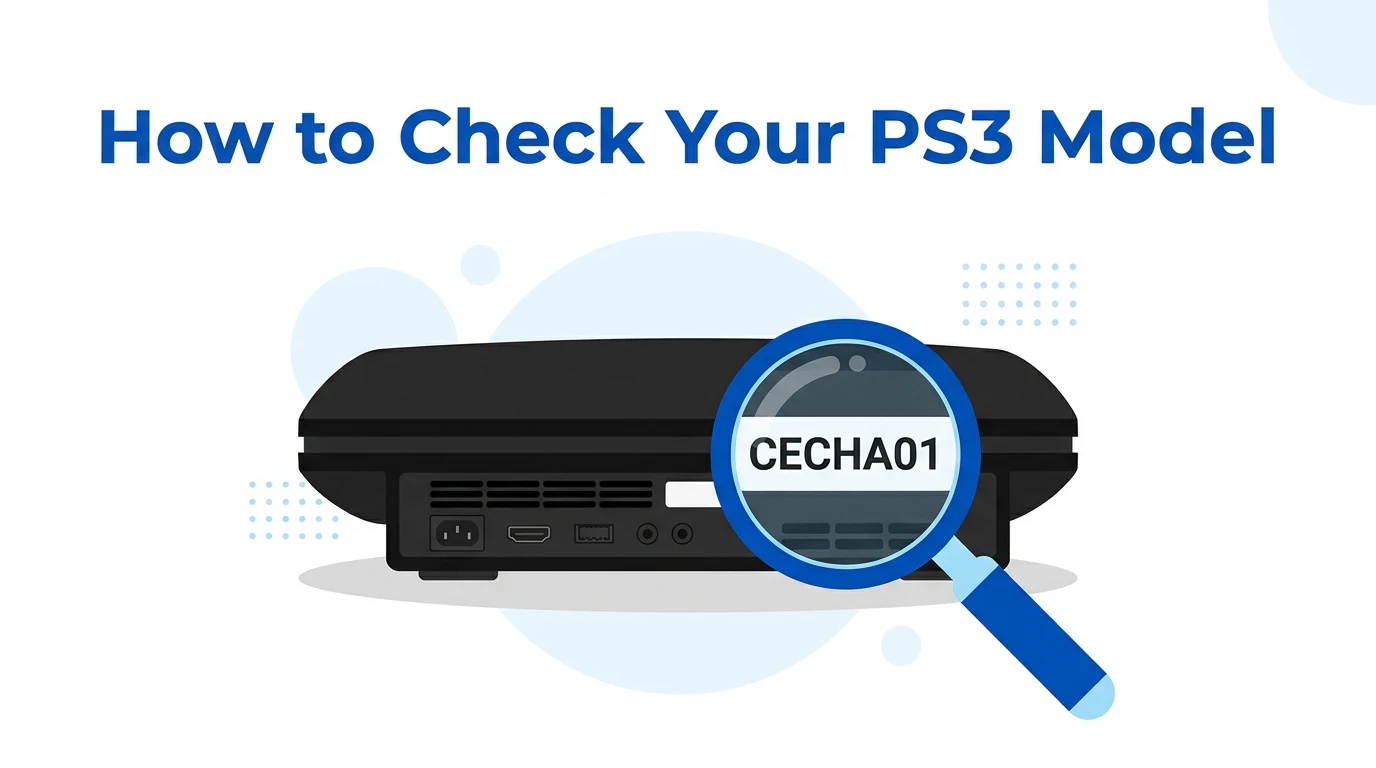
The model number is the only reliable test. Storage size can mislead, because many owners swapped in bigger hard drives.
- Turn the console around and find the white label on the back.
- Read the model number. It starts with “CECH”.
- Check the next letter. A, B, C or E means the console plays PS2 discs.
- As a quick visual check, count the USB ports on the front. Compatible fat models have four. Later fat models have two.
When you buy a used PS3 online, ask the seller for a photo of the label. A listing that says “backward compatible” without the model number is not proof.
How to Play PS2 Games on a PS3
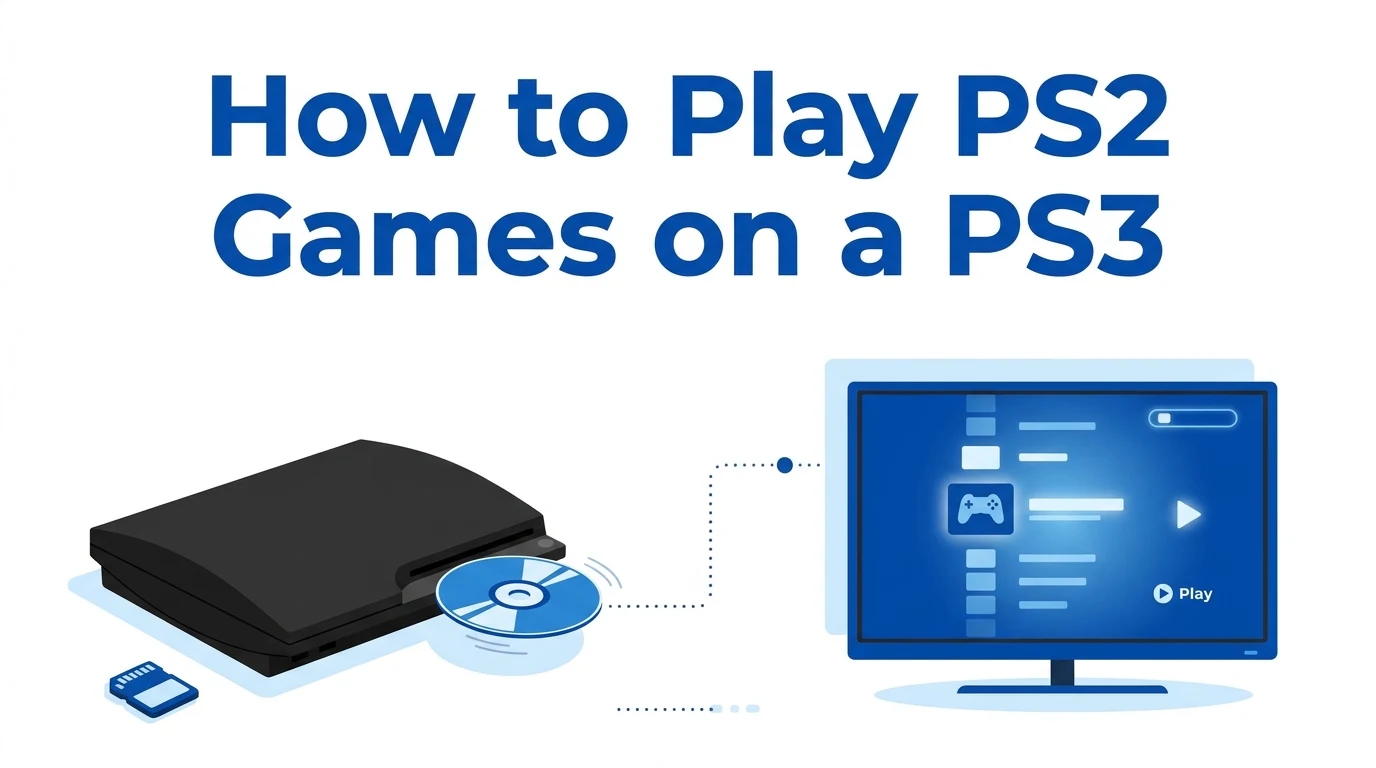
On a compatible PS3, a PS2 disc works like any other game.
- Insert the PS2 disc. It appears in the Game column of the home menu.
- Select it and press the X button to start.
- Use a DualShock 3 or Sixaxis controller. The PS3 maps the buttons to the PS2 layout.
- When the game asks for a memory card, use a virtual memory card (see below).
Create a Virtual Memory Card
The PS3 has no PS2 memory card slots. Instead, it saves PS2 progress to virtual cards on its hard drive.
- Go to Game, then Memory Card Utility (PS/PS2).
- Select New Internal Memory Card.
- Choose Internal Memory Card (PS2) and give it a name.
- Assign it to Slot 1. The game now saves to it.
Move Your Old PS2 Saves
Sony sold an official PS3 Memory Card Adaptor (model CECHZM1). It plugs into a USB port and copies PS1 and PS2 saves to the PS3’s hard drive, according to the PS3 developer wiki. It does not work with cards larger than 8 MB.
Make PS2 Games Look Better on an HD TV
PS2 games were made for older TVs, so they can look soft on a modern screen. Open Settings, then Game Settings. The PS/PS2 Upscaler and Smoothing options change how the picture is stretched and filtered. Try each one with your game.
Region Locking: Match Your Disc to Your Console
PS2 discs on a PS3 follow the console’s region. A US PS3 plays US (NTSC-U) PS2 discs. A European PS3 plays PAL discs. Japanese discs need a Japanese console. Check the back of the game case before you buy.
Can a PS3 Slim or Super Slim Play PS2 Games?
Can you play PS2 games on PS3 Slim or Super Slim consoles? Not from a disc. Both reject PS2 discs completely.
These consoles can still run PS2 Classics. Sony sold selected PS2 games as downloads on the PlayStation Store. The PS3 runs them through a software emulator, so they work on every model.
Time is running out to buy them. Sony announced on July 1, 2026 that the PS3 PlayStation Store closes in July 2027 in most countries. Games you already own stay available to download again.
Other Ways to Play PS2 Games Today
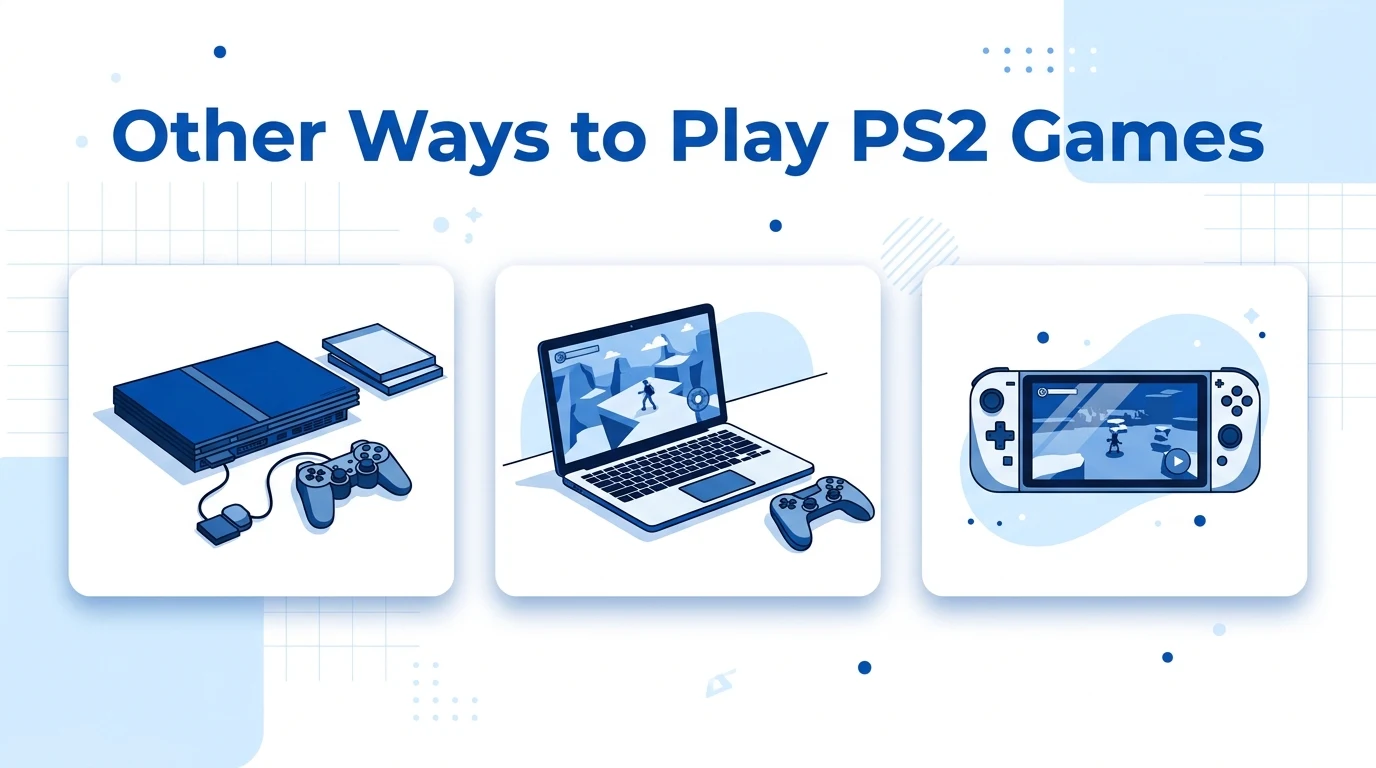
Even if you can play PS2 games on PS3, it is only one option. Newer consoles take a different route, as our guide on playing PS2 games on PS4 explains. Here is how the choices compare.
| Option | Plays your PS2 discs? | Library | What you need |
|---|---|---|---|
| PS3 CECHA, CECHB, CECHC or CECHE | Yes, same region | Most of the PS2 library | A working early fat PS3 |
| Any PS3 with PS2 Classics | No | Selected digital titles | A PSN account, before the store closes |
| PS5 | No | Selected titles through PS Plus Premium and digital re-releases | A PS Plus Premium plan or a store purchase |
| PC with PCSX2 | Yes, as a dump of your own disc | Most of the PS2 library | A capable PC and a PS2 BIOS |
PCSX2 often gives the sharpest picture, because it can render games above their original resolution. Our PS2 BIOS for PCSX2 guide walks you through the setup. On a phone, try our PS2 emulator for iPhone guide, and get the right PS2 BIOS from our homepage.
Is a Backward Compatible PS3 Worth Buying?
It depends on your plans. A compatible PS3 makes sense if you own many PS2 discs and want to play them on a TV with the original feel.
There are trade-offs. These are the oldest PS3s, often 18 or more years old. Many have worn fans, tired thermal paste or failing disc drives. Collectors also push their prices above later models. Test the console with a PS2 disc before you pay, and ask about repairs.
FAQs
Can a PS3 Slim play PS2 games?
No. A PS3 Slim cannot read PS2 discs because it has no PS2 hardware. It can still run PS2 Classics bought from the PlayStation Store, which uses software emulation that works on every PS3 model.
Which PS3 is backward compatible with PS2?
Only fat PS3s with model numbers starting CECHA, CECHB, CECHC or CECHE. The first two use real PS2 hardware. The other two use partial emulation, so a few games may not run correctly.
Can a firmware update add PS2 support?
No. Later PS3 models had the PS2 chips physically removed. Firmware cannot replace missing hardware. The only official way to play PS2 games on those consoles is through PS2 Classics from the PlayStation Store.
Can I use a PS2 controller on a PS3?
Not directly. The PS3 has no PS2 controller ports. Third-party USB adapters exist, but results vary by game. A DualShock 3 or Sixaxis controller is the simplest choice for PS2 games on PS3.
Can I use my PS2 memory card on a PS3?
Not in a slot. You need Sony’s PS3 Memory Card Adaptor, which plugs into a USB port. It copies your PS2 saves to a virtual memory card on the PS3’s hard drive.
Can a PS5 play PS2 discs?
No. The PS5 does not read PS2 discs. It plays a selection of PS2 games through PS Plus Premium and digital re-releases. For your own disc collection, a compatible PS3 or PCSX2 on a PC works better.